Art can be very revealing, whether that’s intentional or not.
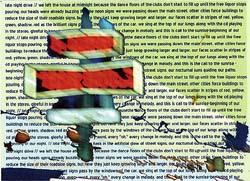
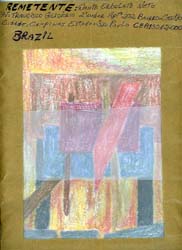
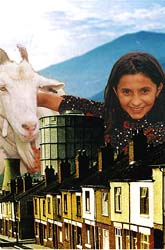
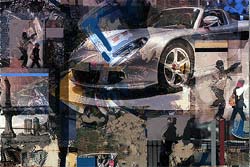
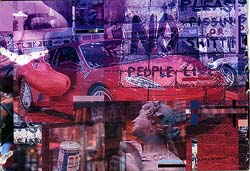
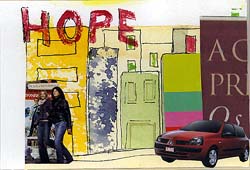
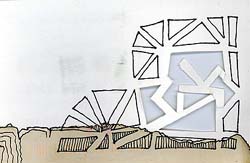
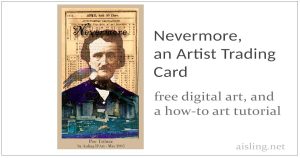
These are two ATCs (aka: Artist Trading Cards) that I created, and what I wrote about them in 2000:
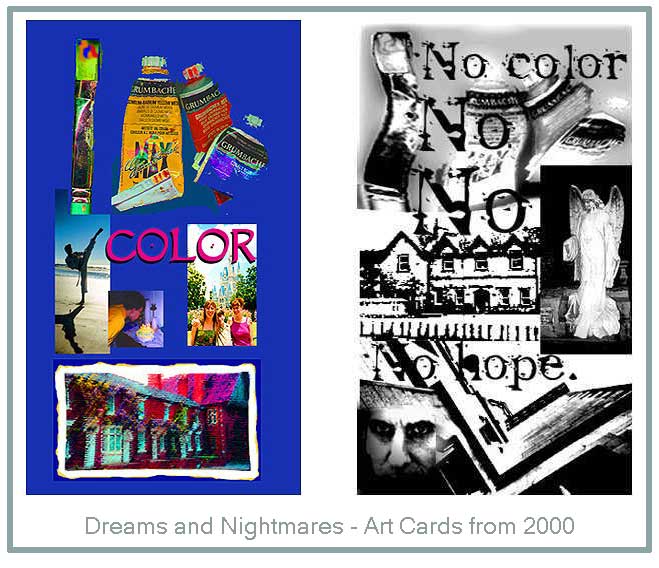
They are two cards from an ATC exchange, with a theme of “Dreams and Nightmares.” The originals are 3″ x 5″.
My dream card features images of my children, DisneyWorld and my paints. There’s also a view of the houses directly across the street from the Royal Shakespeare Company’s main theatre in Stratford-upon-Avon, Warwickshire, England.
What I hope to show with this collage, is what is most important to me: Color, in all its definitions. My family, experiencing life and having fun as we travel and discover new things; the colors of our emotions, the scenery, and our memories of happy events.
My nightmare card features stark, perhaps menacing images without color or hope.
The images include (top to bottom)
- the same paints as on my Color card,
- the poorhouse in Kilmallock (Co. Limerick) where my gr-great grandmother died, and
- the view (looking up towards the sky) at a castle in Co. Galway
Over those images, I added photos of:
- a truly spooky angel at the Irish cemetery in Cambridge, Massachusetts, and also
- a self-portrait of my ex-husband.* (Really. He took this photo of himself and gave it to me. He said that he thought it was a good photo of himself.)
These are not dark or hopeless images in themselves, but I added drama by increasing contrast, so they take on new aspects.
What surprised me the most is that the Color (dream) card is – as many of my recent collages have been – A bit disjointed, compartmentalized, and a little empty.
By contrast, the No Color (nightmare) card flows, the images blend nicely, and I actually prefer this as art, compared with the Color (dream) card.
Technically, the No Color one is a vastly better work of art.
I think this is rather revealing, and indicates some self-work ahead of me.
(No, I do not actually think there’s “no hope” in this – or any – area of my life. Remember, this art is created from my imagination, using images that I have at hand. Yes, it means something, but please don’t take it all literally, or too seriously!)
But, this is what art is about: self-discovery.
Even when I’m dismayed by what I see, it opens the door for me to make changes and improve myself and my life.
So now I’m wondering: Why are my nightmares so much more vivid and easy to access, than my dreams? Why do they flow when the dreams do not seem to reach my consciousness without effort? Why are my images so compartmentalized?
These are, in a way, rhetorical questions. My personal (offline) diary will probably show what I discover.
I can tell you that, when I saw what I’d said with this art, I started taking very positive steps to make immediate changes.
I didn’t get into this situation overnight, and it probably won’t be an overnight change to get things back on track. But I’m working on it, and I see progress, and that’s the important part.

UPDATE
[Reminder: I wrote that in 2000. Since then, there’s been a divorce. Both of us have remarried. I’m living a very happy life again, and returning to the creativity that I’d enjoyed in the 1980s and earlier.]
* When I originally wrote this and had said “my husband” in this article about my two ATCs, it was before my 2003 divorce.
As of 2026: I’ve been happily married to a delightfully fun and supportive man, for nearly 20 years.
(I’ve kept my ex-husband’s photo in this art because, unless you know my ex-husband very well, you probably won’t recognize him. He was that different, outside of the house, or any time he thought he might have an audience.)
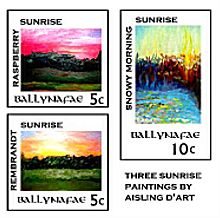 Q: I want to make some artistamps by hand, not necessarily on the computer. How do I make my art the right size for stamps? Should I be creating the art in stamp size, to start with?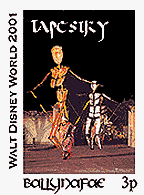
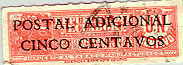

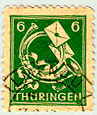
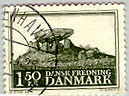
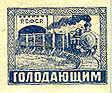
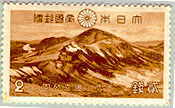
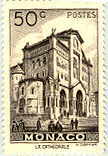
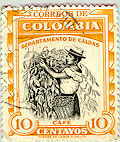
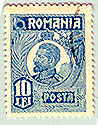
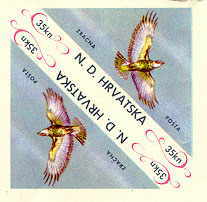
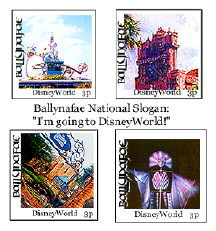 If you’re sending your artistamps for others to use, you probably want to make them as much like “real” postage as possible.
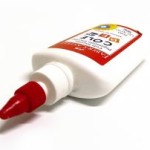 Glue recipes vary from great to disastrous. But, they can be a fine alternative to “lickable” adhesive-backed paper and commercially prepared glues, described in my article, Glues and adhesives for artistamps.
 Note: The lemon extract repels bugs which like to munch on starches (such as gelatin and corn syrup), but you could probably use other flavoring extracts from the baking supplies aisle of the grocery store. Artistamp collectors in tropical countries may choose to store stamps in plastic.
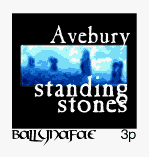
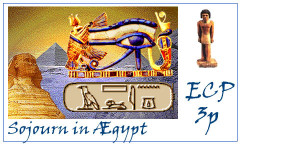 Artistamps can be described as fake postage. Some people call them faux postage, Cinderellas, postoids, or even real postage.
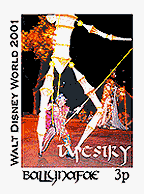 Artistamps can be printed or individually handmade. They may have perforated edges like traditional postage, or not. They may have a pretend ‘price’ designation on them, or not.